Support

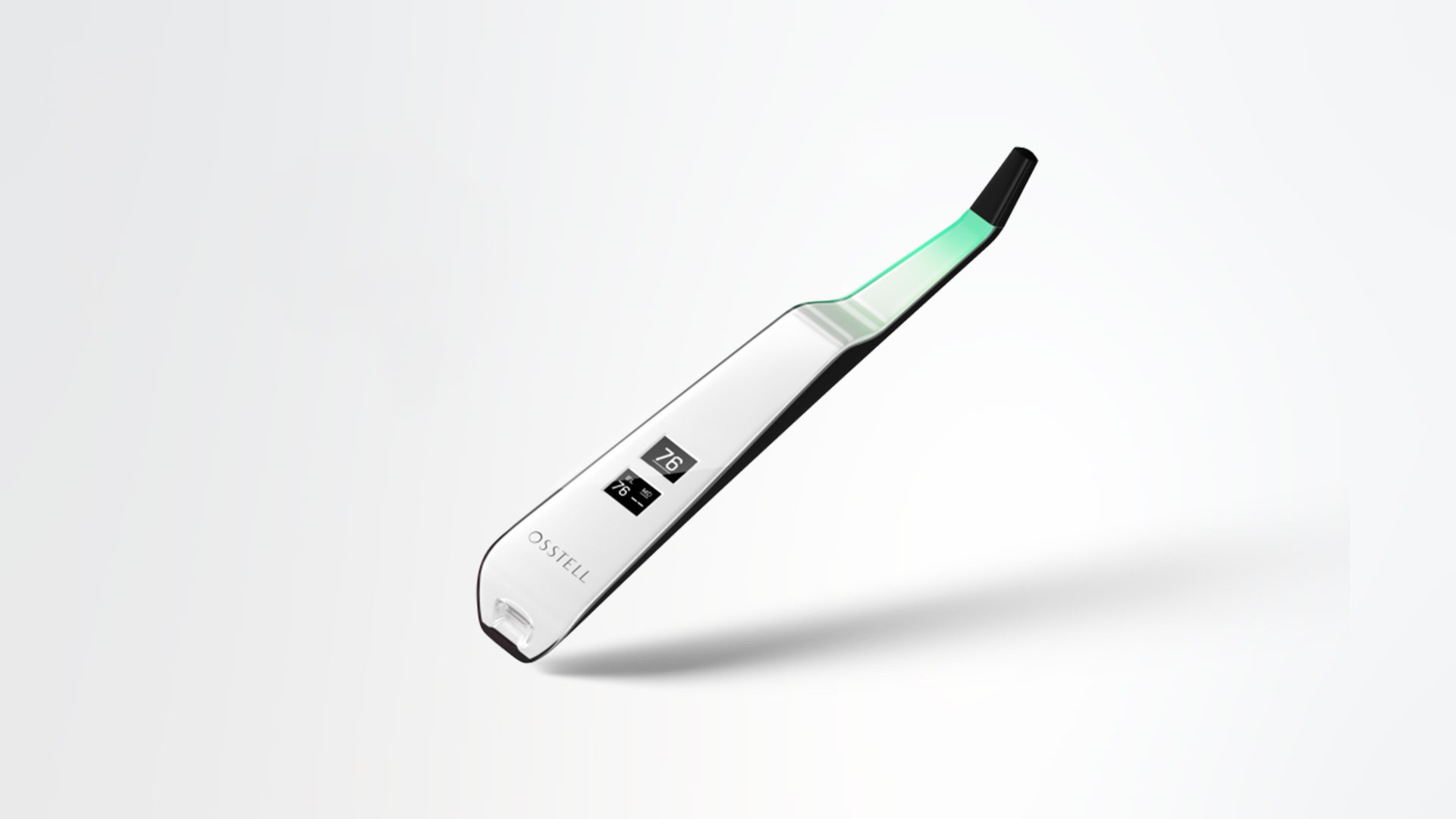
Osstell Beacon

Qui troverai tutte le informazioni di cui hai bisogno sul tuo dispositivo Osstell, compresa la configurazione, l’uso e la cura, nonché il materiale di supporto e le risposte alle tue domande.

Materiali di supporto

User manual

How to measure

How to register

How to connect to OsstellConnect

Trouble shoot – no reading

Step 1

Carica Osstell Beacon

Carica lo strumento nuovo per 3 ore prima di utilizzarlo.

Step 2

Registra il tuo Beacon su OsstellConnect per ricevere una ricompensa

Registra il tuo Beacon su OsstellConnect per ricevere 2 confezioni gratuite di SmartPeg (offerta valida per i nuovi strumenti fino a esaurimento scorte).

Step 3

Inizia a misurare

Segui le guide dettagliate nella sezione di supporto di OsstellConnect o contattaci per ricevere assistenza.

Configura il tuo dispositivo – passo passo

In questo breve video ti spiegheremo passo passo come configurare e registrare il tuo Osstell Beacon. Inizia e in 5 minuti ricevi gratuitamente 2 scatole di SmartPeg.

Registrati qui
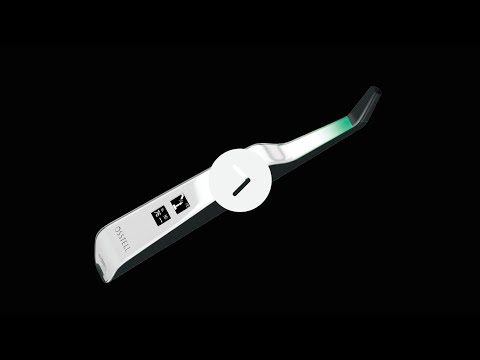
Misura la stabilità implantare con Osstell Beacon

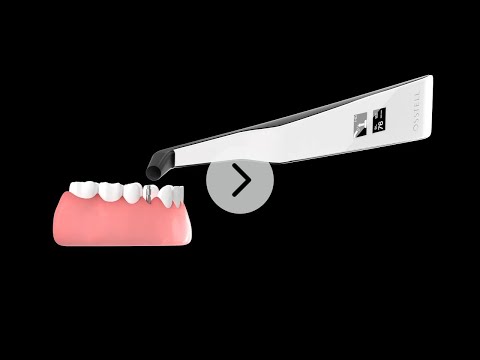
Osstell Beacon determina la stabilità implantare in pochi secondi. In questo video, ti mostriamo come misurare. Per ulteriori guide passo passo, visita la sezione Aiuto nel tuo account OsstellConnect.

Vai a OsstellConnect
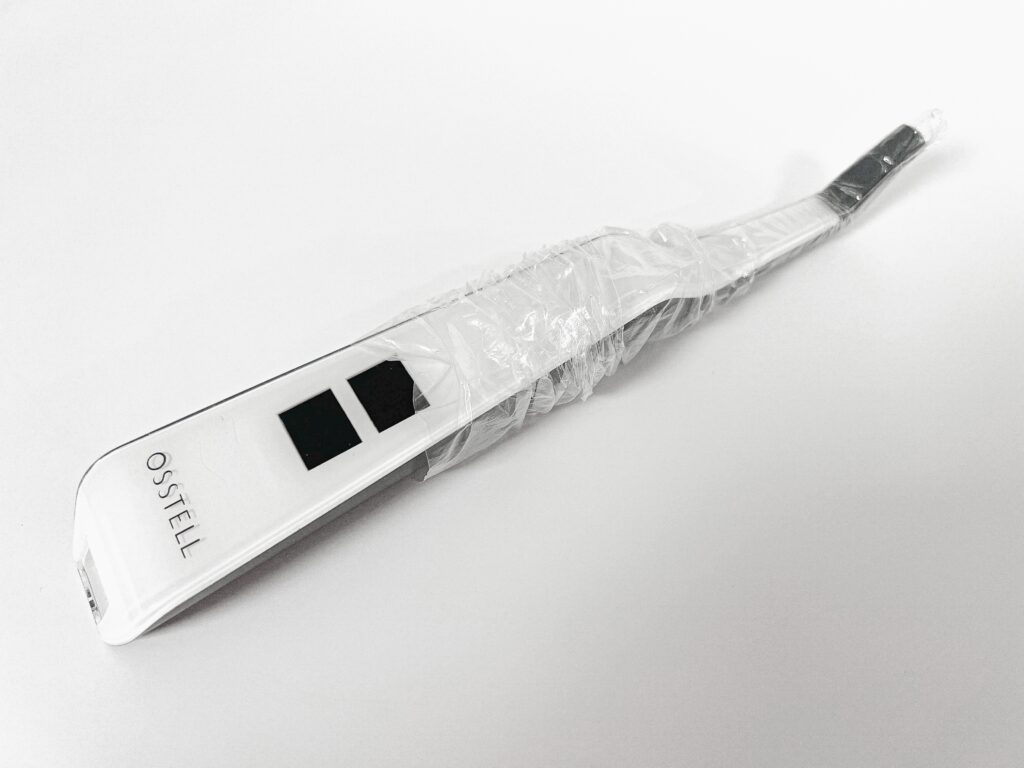
Guaina protettiva

Prima dell’uso su un paziente, posizionare una guaina protettiva su Osstell Beacon. La guaina protettiva aiuta a prevenire la contaminazione incrociata e impedisce al materiale composito dentale di aderire alla superficie della punta e del corpo dello strumento e allo scolorimento e alle degradazioni dovute alle soluzioni detergenti.

Guaine protettive consigliate:

Omnia: Non sterile cover, Art No 30.Z0600.00, Sterile cover Art No 22.Z0600.00

PremiumPlus: 123, Small short 123, Small.

Click here to order it.

TIDIshield, Art no: 21021, Art no: 20987.
Clicca qui per ordinarlo.

Barrier sleeve

La scala ISQ

ISQ, o indice di stabilità implantare, è una scala da 1 a 99 ed è una misura della stabilità dell’impianto. La scala ISQ non ha una correlazione lineare con la micro mobilità. Con più 1500 studi scientifici, adesso sappiamo che una buona stabilità deve avere un indice ISQ di almeno 70, un valore tra il 60 e il 69 indica una stabilità media e sotto i 60 una stabilità bassa.
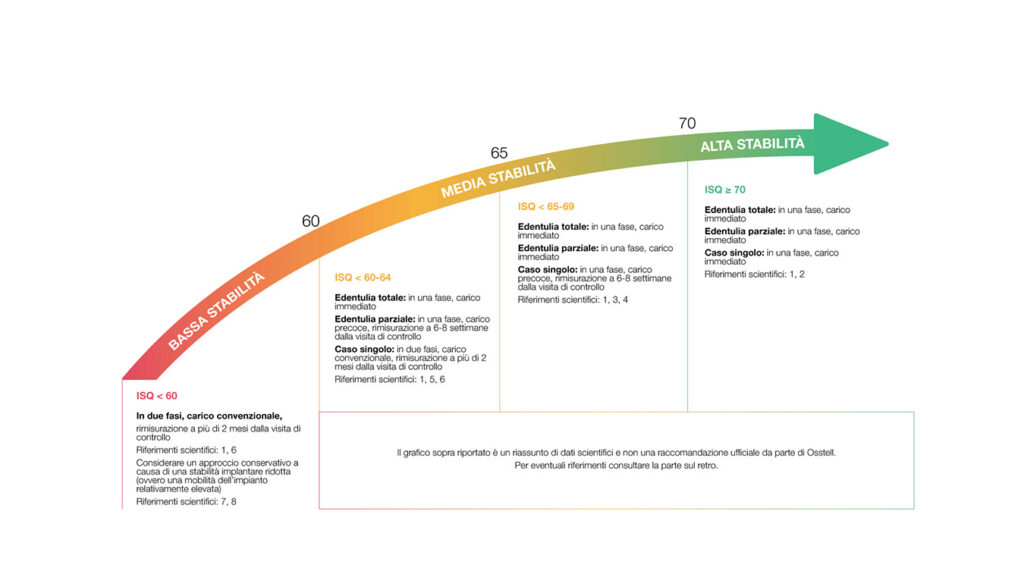
La scala ISQ

Frequently asked questions

Do I need to be connected to WiFi?

You can have your Osstell Beacon online connected to OsstellConnect for data collection, but it is not a requirement. OsstellConnect is an online tool for statistical analysis and valuable insights based on your data. Before you can start using data connection to OsstellConnect you have to register your Osstell Beacon. The serial number can be found on the back of the instrument. For registration assistance and features of data connection to OsstellConnect, please visit osstellconnect.com/beacon

How do I clean the Osstell Beacon?

Before each use, moisten a gauze or soft cloth with an acceptable (see list below) surface disinfectant and wipe the whole Osstell Beacon instrument. Note! Do not autoclave the Osstell Beacon instrument. Routinely check the surface of the instrument tip and overall surface for possible cracks and resins.

Acceptable Cleaners:
o Isopropyl alcohol
o Ethyl alcohol-based cleaners

Do not use:
o Strong alkali detergent of any type, including hand soaps and dish soaps
o Bleach based cleaners
o Hydrogen Peroxide based cleaners
o Abrasive Cleansers
o Acetone or hydrocarbon based cleaners
o MEK (Methyl Ethyl Ketone)
o Birex
o Gluteraldehyde
o Quaternary Ammonium Chloride salt-based cleaners

How do I engage / disengage transportation mode?

The Osstell Beacon is delivered from factory in a “transport” mode, where the built-in motion sensor is deactivated. To deactivate the transport mode and start charging, connect the small USB connector of the Osstell USB cable to wide end of the instrument. Connect the large USB connector to a standard USB outlet of a PC, laptop or charger.

How do I get started?

Although it is possible to use the Osstell Beacon directly, depending on the status of the built-in rechargeable battery, it is recommended to charge the battery for at least 3 hours before using the Osstell Beacon instrument.

The Osstell Beacon is activated by a built-in motion sensor. As soon as the motion sensor detects movement, the Osstell Beacon will start-up and shortly show battery status and then be ready for measurement in the BL (Buccal – Lingual) direction, which is indicated in the upper display.

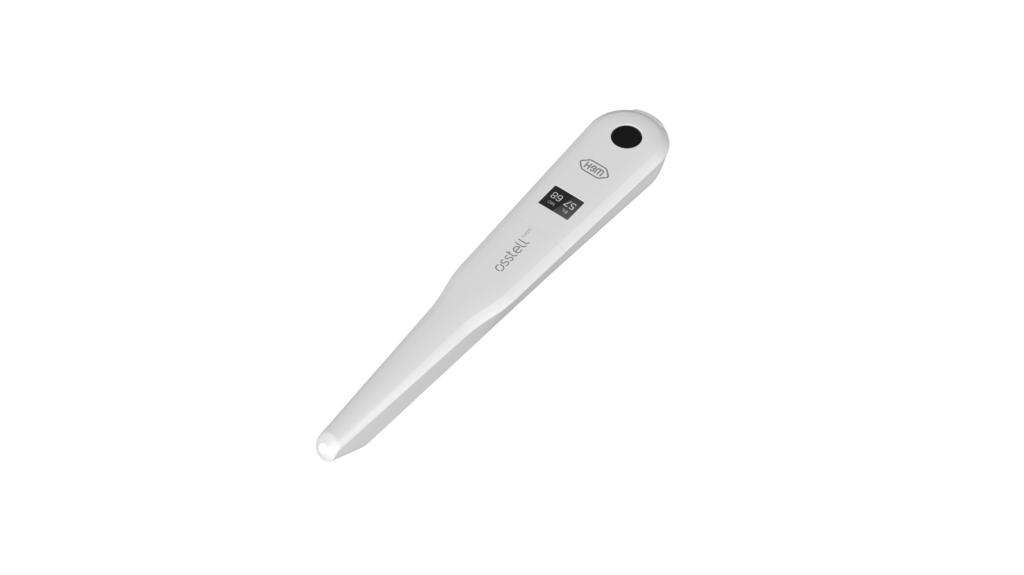
The Osstell Beacon will start to measure, indicated by an audible sound, when near an Osstell SmartPeg or Test peg due to a built-in magnetic detector that senses the magnet on the top of the Osstell SmartPeg/TestPeg. Measured data will be shown in the upper display combined with a colored light indication below the tip.

The red, yellow and green color indicates if the measured ISQ value corresponds to a low, medium or high implant stability according to the ISQ scale guidance, click here for more information.

After 60 seconds of no motion, the Osstell Beacon will turn off automatically.

How do I measure with the Osstell Beacon?

1. Activate the Osstell Beacon by picking it up. The instrument will start-up and after showing the battery status, the instrument will be ready for measurement in the BL (Buccal – Lingual) direction, which is prompted in the upper display as well as optimal angle towards the Smartpeg.

2. Place a barrier sleeve over the Osstell beacon instrument.

3. Place the SmartPeg into the SmartPeg Mount. The SmartPeg is magnetic, and the SmartPeg Mount will hold the SmartPeg. See fig 2. Attach the SmartPeg to the implant or abutment by screwing the SmartPeg Mount using finger force of approximately 4-6 Ncm. Do not over-tighten, to avoid damaging the SmartPeg threads.

4. Hold the instrument tip close (2-4mm) to the top of the SmartPeg without touching it. Sometimes, you will need to go as close as 1 mm. An audible sound indicates when measurement has started, and measured data will be shown in the upper display combined with a colored light indication below the tip.

5. Bring the instrument out of the mouth to clearly read the ISQ value and the colored indication. The measured ISQ values will be displayed in the upper display for a couple of seconds and then switch to be ready for measurement in mesial-distal direction.

6. Repeat step 4 and the sequence starts over and the Osstell Beacon is ready for measurement in the BL (Buccal- Lingual) direction again.

7. When all measurements are performed, remove the SmartPeg by using the SmartPeg Mount. The instrument is automatically turned off after 60 seconds of inactivity.

What is the warranty on the Osstell Beacon?

2 years

When the Beacon doesn’t start or when the display is showing a wrench and a manual.

Charge the Beacon for at least 30 min in room temperature, then try again. If the error remains, try resetting the device by:

1. Identify the Beacon reset pin on the picture below.

2. With a paper clip, do a gentle press for 1 second on the reset button (Note! You may have to tilt the pin a little downwards).
If you see a “PadLock” symbol in the upper display, press one more time on the reset button.


If the Beacon still doesn’t start or the display is showing a wrench and a manual, then please contact your local sales representative or distributor or support@staging.osstell.com.

Why is it that I get unexpected values or no readings when measuring?

Possible explanations include:

Re-Used SmartPeg: The SmartPegs are disposable and should only be used for one or multiple measurement at one treatment session, for a single patient only. Repeated re-use may result in false readings due to wear and tear of the soft aluminum SmartPeg threads.

Wrong SmartPeg type selected for the implant: See SmartPeg reference list, staging.osstell.com/smartpegguide

Bone or soft tissue in between SmartPeg and Implant: Make sure to clean the Implant prosthetic connection before attaching the SmartPeg.

Electromagnetic interference: Remove the source of electromagnetic interference.

Probe is held too far away from the SmartPeg: Hold the probe 2-4 mm away from the SmartPeg.

Hai ancora domande?

Siamo qui per aiutarti! Compila semplicemente il modulo e ti contatteremo al più presto.