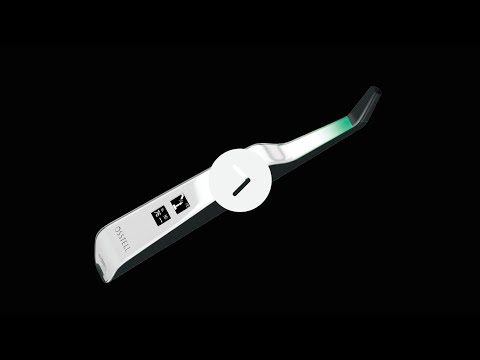
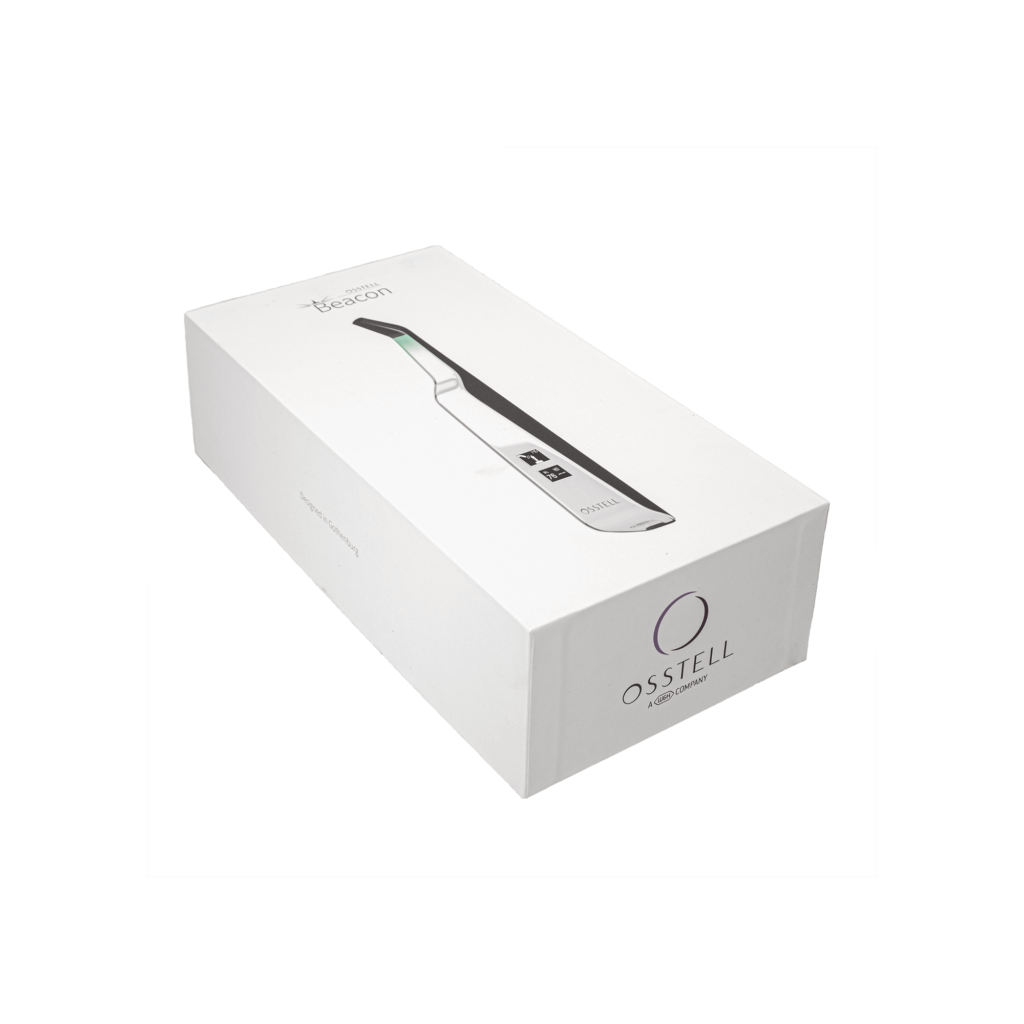
Osstell Beacon

骨整合?小事一桩。

Osstell Beacon 可帮助您客观且无创地确定种植体稳定性并评估骨整合的进程—而不会危害愈合过程。Osstell Beacon 使用基于数千项科学研究的专有循证 RFA 技术。它还包括一个免费的云平台 OsstellConnect,可提供对大量种植体数据的访问,同时也为患者沟通提供方便。

可预测的结果

我们的方法可以避免猜测。通过测定种植体稳定性获得客观值,Osstell 可以让每位患者的种植体治疗更具可预测性且更可靠。

最佳治疗时间

即刻负重的需求越来越常见。患者希望快速获得立竿见影的效果。使用Osstell®,避免无效等待时间。

可靠的方法

我们的方法基于RFA,依托1500多项科学研究成果,可确定种植体是否足够稳定。结果显示为 1-99 的ISQ值。ISQ 越高,种植体越稳定。

提高种植体治疗效果

OsstellConnect是一种免费的基于云的解决方案,为临床医生提供了一种新方法,通过数据提高牙种植体治疗效果。它是世界上最大的种植体在线门户,拥有超过25万个数据点。OsstellConnect目前是免费的,可供Osstell Beacon和Osstell IDx访问。

登录
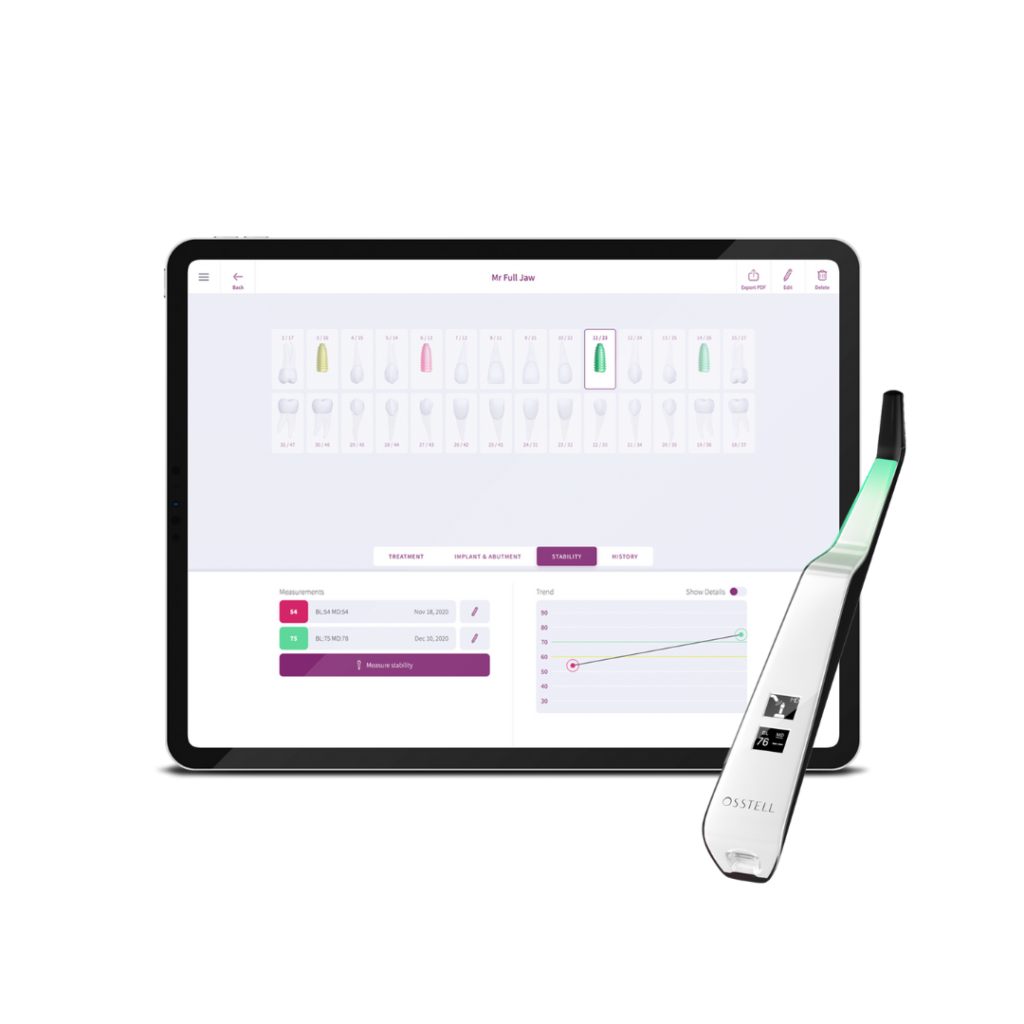
OsstellConnect and Beacon

通过 W&H 的 Implantmed 和 Osstell Beacon 实现精确性和可靠性

W&H 的 Implantmed plus 与 Osstell Beacon 相结合,为安全和精确的种植过程保驾护航,是一款理想的解决方案。Implantmed 具有自动扭矩控制等功能,可实现安全的种植体插入和螺纹车刀功能,进而提高精确度,确保易用性和准确性。Osstell Beacon 可在屏幕上直接显示实时 ISQ 稳定性测定结果,进而简化记录并支持最佳的患者治疗结果,进一步增强这种体验。

了解 Implantmed+Beacon 产品包,为您的诊疗实现更高的精确度。

了解与 W&H 的解决方案有关的更多内容
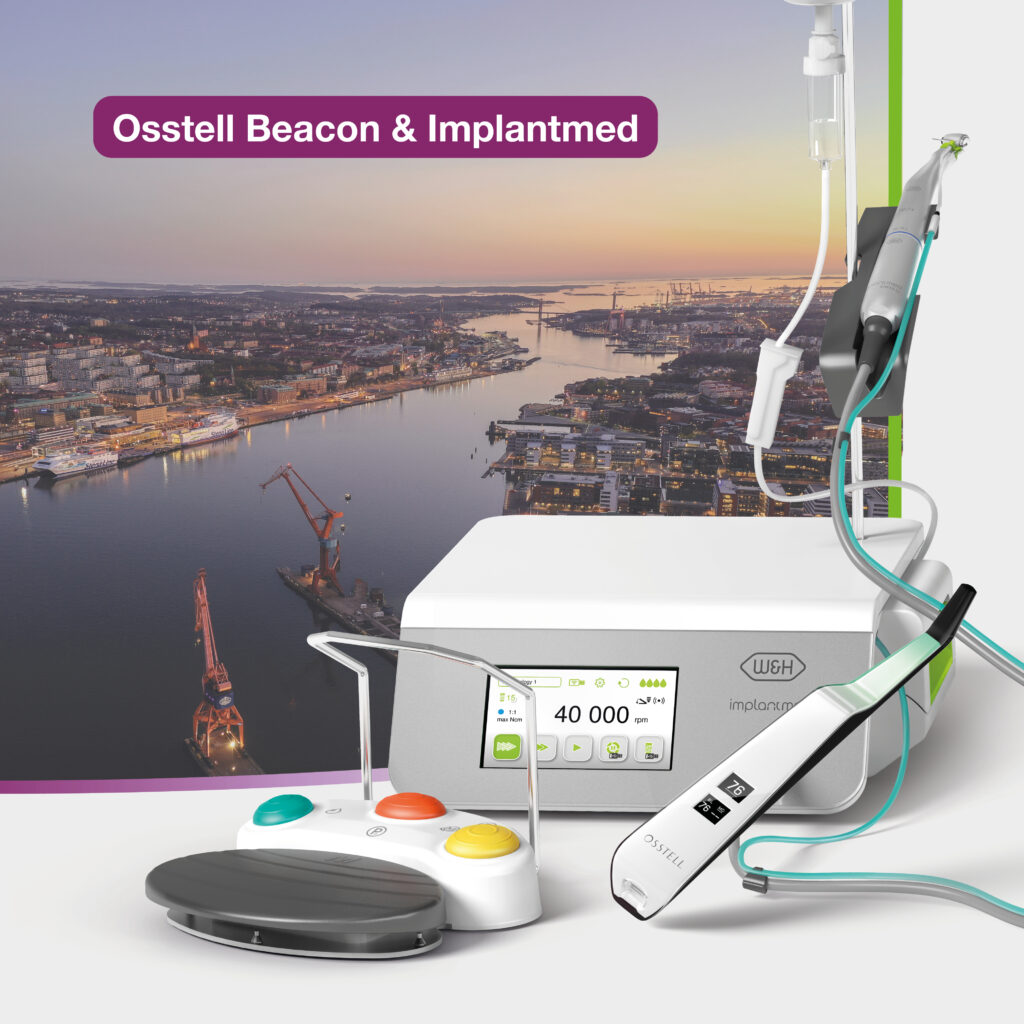
Implantmed & Osstell Beacon

视频

设置您的器械 – 逐步操作

在本短视频中,我们将逐步指导您如何设置和注册Osstell Beacon。在5分钟内开始使用并免费获得2盒SmartPeg。

在此处注册

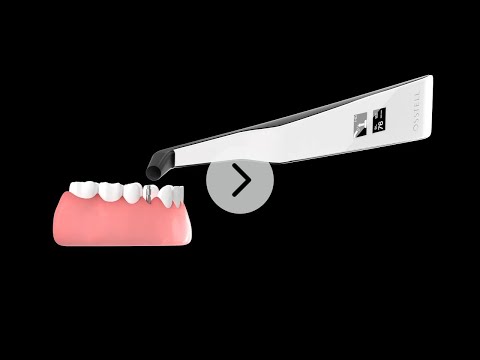
使用Osstell Beacon测量种植体稳定性

Osstell Beacon可在几秒钟内确定种植体稳定性。在本视频中,我们将向您展示如何测量。如需更多分步指南,请访问OsstellConnect帐户中的“帮助”部分。

转至OsstellConnect
Search for distributor
支持材料

EMC Declaration

Frequently asked questions

Got a question regarding Osstell Beacon? Our FAQ is the fastest way to get help. Below you will find the most frequently asked questions regarding Osstell Beacon. If you can’t find the answer you are looking for, don’t hesitate to contact us.

Do I need to be connected to WiFi to register?

No, you can also register your IDx at osstellconnect.com. All you need is the serial number.

How do I clean the Osstell Beacon?

Before each use, moisten a gauze or soft cloth with an acceptable (see list below) surface disinfectant and wipe the whole Osstell Beacon instrument. Note! Do not autoclave the Osstell Beacon instrument. Routinely check the surface of the instrument tip and overall surface for possible cracks and resins.

Acceptable Cleaners:
o Isopropyl alcohol
o Ethyl alcohol-based cleaners

Do not use:
o Strong alkali detergent of any type, including hand soaps and dish soaps
o Bleach based cleaners
o Hydrogen Peroxide based cleaners
o Abrasive Cleansers
o Acetone or hydrocarbon based cleaners
o MEK (Methyl Ethyl Ketone)
o Birex
o Gluteraldehyde
o Quaternary Ammonium Chloride salt-based cleaners

How do I engage / disengage transportation mode?

The Osstell Beacon is delivered from factory in a “transport” mode, where the built-in motion sensor is deactivated. To deactivate the transport mode and start charging, connect the small USB connector of the Osstell USB cable to wide end of the instrument. Connect the large USB connector to a standard USB outlet of a PC, laptop or charger.

How do I get started?

Although it is possible to use the Osstell Beacon directly, depending on the status of the built-in rechargeable battery, it is recommended to charge the battery for at least 3 hours before using the Osstell Beacon instrument.

The Osstell Beacon is activated by a built-in motion sensor. As soon as the motion sensor detects movement, the Osstell Beacon will start-up and shortly show battery status and then be ready for measurement in the BL (Buccal – Lingual) direction, which is indicated in the upper display.

The Osstell Beacon will start to measure, indicated by an audible sound, when near an Osstell SmartPeg or Test peg due to a built-in magnetic detector that senses the magnet on the top of the Osstell SmartPeg/TestPeg. Measured data will be shown in the upper display combined with a colored light indication below the tip.

The red, yellow and green color indicates if the measured ISQ value corresponds to a low, medium or high implant stability according to the ISQ scale guidance, click here for more information.

After 60 seconds of no motion, the Osstell Beacon will turn off automatically.

How do I measure with the Osstell Beacon?

1. Activate the Osstell Beacon by picking it up. The instrument will start-up and after showing the battery status, the instrument will be ready for measurement in the BL (Buccal – Lingual) direction, which is prompted in the upper display as well as optimal angle towards the Smartpeg.

2. Place a barrier sleeve over the Osstell beacon instrument.

3. Place the SmartPeg into the SmartPeg Mount. The SmartPeg is magnetic, and the SmartPeg Mount will hold the SmartPeg. See fig 2. Attach the SmartPeg to the implant or abutment by screwing the SmartPeg Mount using finger force of approximately 4-6 Ncm. Do not over-tighten, to avoid damaging the SmartPeg threads.

4. Hold the instrument tip close (2-4mm) to the top of the SmartPeg without touching it. Sometimes, you will need to go as close as 1 mm. An audible sound indicates when measurement has started, and measured data will be shown in the upper display combined with a colored light indication below the tip.

5. Bring the instrument out of the mouth to clearly read the ISQ value and the colored indication. The measured ISQ values will be displayed in the upper display for a couple of seconds and then switch to be ready for measurement in mesial-distal direction.

6. Repeat step 4 and the sequence starts over and the Osstell Beacon is ready for measurement in the BL (Buccal- Lingual) direction again.

7. When all measurements are performed, remove the SmartPeg by using the SmartPeg Mount. The instrument is automatically turned off after 60 seconds of inactivity.

What is the warranty on the Osstell Beacon?

2 years

When the Beacon doesn’t start or when the display is showing a wrench and a manual.

Charge the Beacon for at least 30 min in room temperature, then try again. If the error remains, try resetting the device by:

1. Identify the Beacon reset pin on the picture below.

2. With a paper clip, do a gentle press for 1 second on the reset button (Note! You may have to tilt the pin a little downwards).
If you see a “PadLock” symbol in the upper display, press one more time on the reset button.


If the Beacon still doesn’t start or the display is showing a wrench and a manual, then please contact your local sales representative or distributor or support@staging.osstell.com.

Why is it that I get unexpected values or no readings when measuring?

Possible explanations include:

Re-Used SmartPeg: The SmartPegs are disposable and should only be used for one or multiple measurement at one treatment session, for a single patient only. Repeated re-use may result in false readings due to wear and tear of the soft aluminum SmartPeg threads.

Wrong SmartPeg type selected for the implant: See SmartPeg reference list, staging.osstell.com/smartpegguide

Bone or soft tissue in between SmartPeg and Implant: Make sure to clean the Implant prosthetic connection before attaching the SmartPeg.

Electromagnetic interference: Remove the source of electromagnetic interference.

Probe is held too far away from the SmartPeg: Hold the probe 2-4 mm away from the SmartPeg.

其他产品

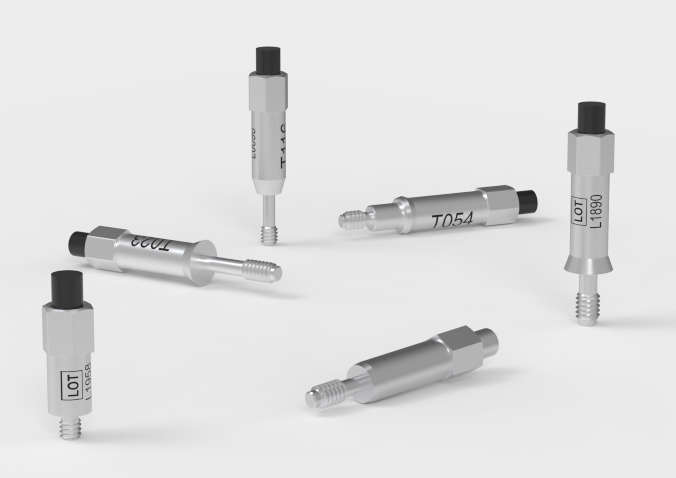
SmartPeg

SmartPeg™连接到种植体并与Osstell IDx、Osstell Beacon或Osstell ISQ测量仪结合使用。
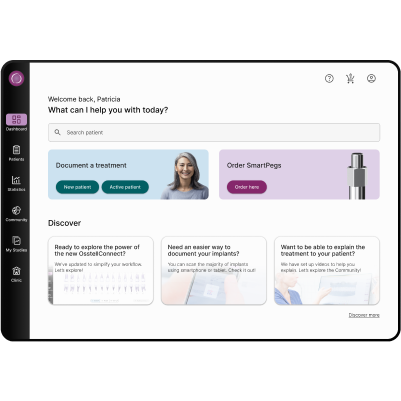
OsstellConnect

OsstellConnect是一种免费的基于云的解决方案,为临床医生提供了一种新方法,通过数据提高牙种植体治疗效果。