支持

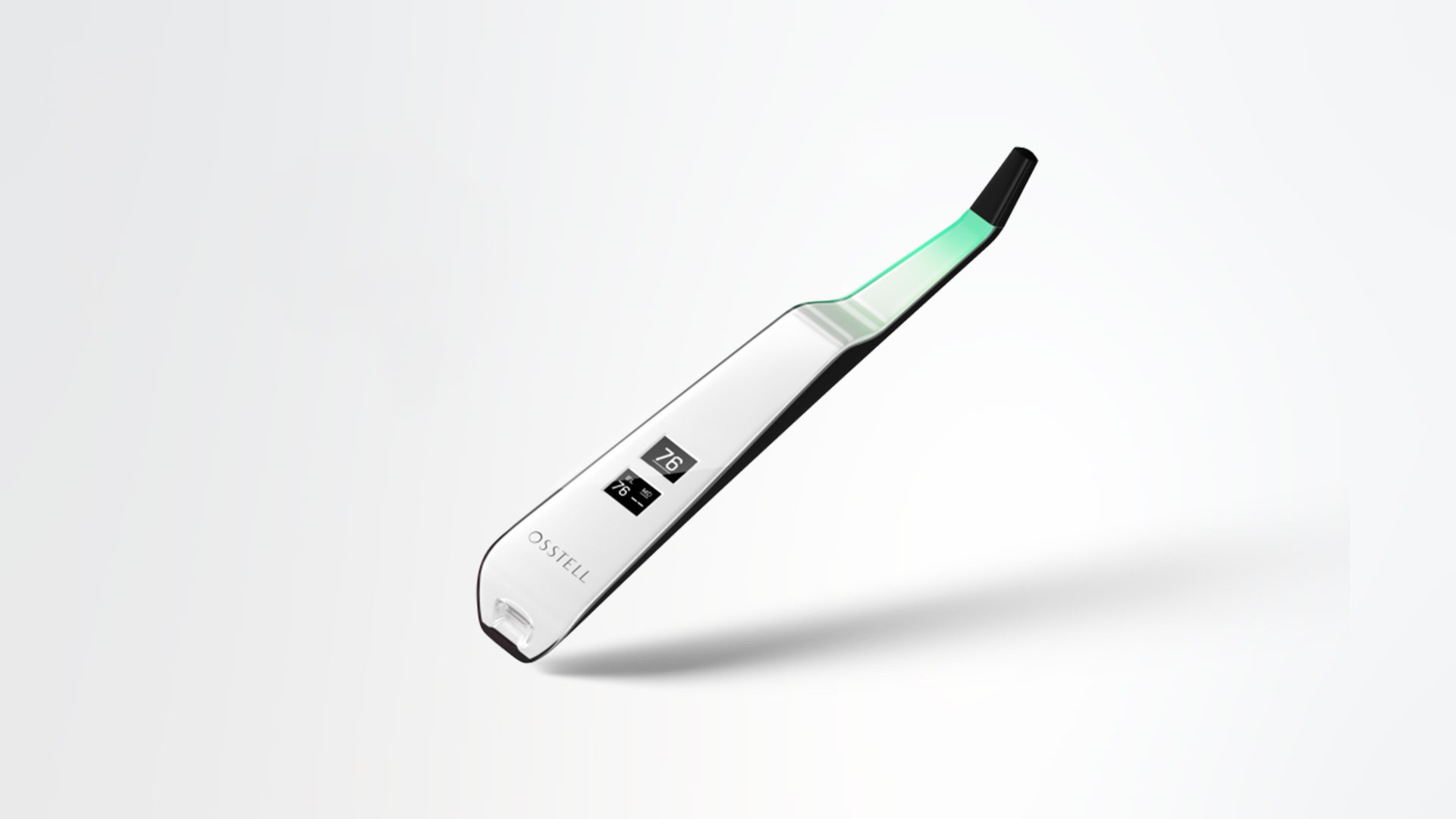
Osstell Beacon

在这里,您可以找到器械相关的所有信息,包括设置、使用和保养,以及支持材料和问题的答案。

支持材料

User manual

How to measure

How to register

How to connect to OsstellConnect

Trouble shoot – no reading

第1步

为您的 Osstell Beacon 充电

使用前,为新器械充电 3 小时。

第2步

在 OsstellConnect 上注册 Beacon 并获得奖励

在 OsstellConnect 上注册 Beacon 即可免费获得 2 盒 SmartPeg(仅适用于新器械,售完即止)。

第3步

开始测量

按照 OsstellConnect“帮助”部分中的分步指南进行操作,或联系我们,以获得支持。
设置您的器械 – 逐步操作

在本短视频中,我们将逐步指导您如何设置和注册Osstell Beacon。在5分钟内开始使用并免费获得2盒SmartPeg。

在此处注册

使用Osstell Beacon测量种植体稳定性

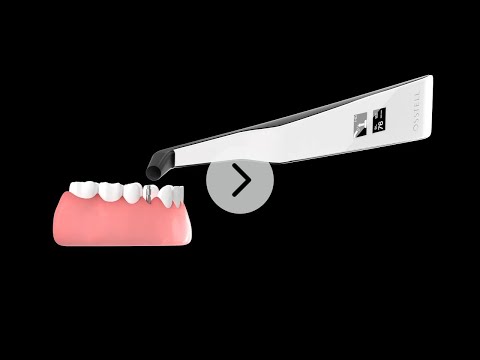
Osstell Beacon可在几秒钟内确定种植体稳定性。在本视频中,我们将向您展示如何测量。如需更多分步指南,请访问OsstellConnect帐户中的“帮助”部分。

转至OsstellConnect

隔离套

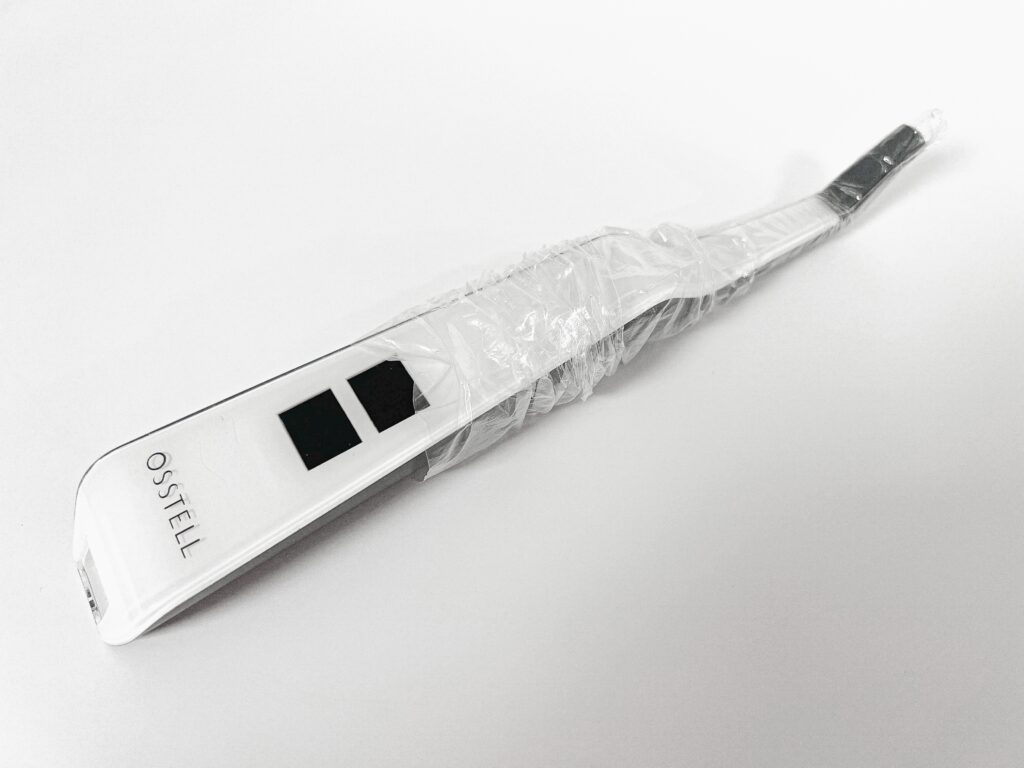
在用于患者之前,在Osstell Beacon上放置一个隔离套。隔离套有助于防止交叉污染,并有助于防止牙科复合材料粘附在器械尖端和主体的表面上,同时防止清洁溶液变色和降解。

推荐的隔离套:

Omnia: Non sterile cover, Art No 30.Z0600.00, Sterile cover Art No 22.Z0600.00

PremiumPlus: 123, Small short 123, Small.

点击此处订购。

TIDIshield, Art no: 21021, Art no: 20987.

点击此处订购。

Barrier sleeve

Osstell ISQ量表

ISQ,或者说种植体稳定系数,分为 1 到 99 的标度,用于量度种植体的稳定性。ISQ 量表与微量移动呈非线性相关。基于超过1500份科学参考文献,我们现在知道高稳定性意味着ISQ > 70,60–69属于中稳定性,ISQ < 60则表示低稳定性。

ISQ量表
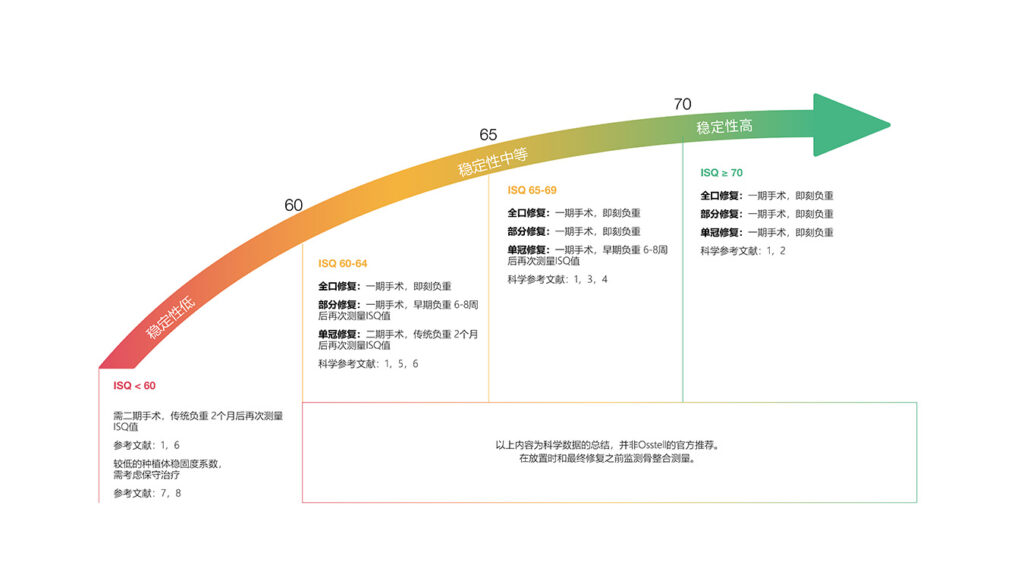
Osstell ISQ量表

Frequently asked questions

Do I need to be connected to WiFi?

You can have your Osstell Beacon online connected to OsstellConnect for data collection, but it is not a requirement. OsstellConnect is an online tool for statistical analysis and valuable insights based on your data. Before you can start using data connection to OsstellConnect you have to register your Osstell Beacon. The serial number can be found on the back of the instrument. For registration assistance and features of data connection to OsstellConnect, please visit osstellconnect.com/beacon

How do I clean the Osstell Beacon?

Before each use, moisten a gauze or soft cloth with an acceptable (see list below) surface disinfectant and wipe the whole Osstell Beacon instrument. Note! Do not autoclave the Osstell Beacon instrument. Routinely check the surface of the instrument tip and overall surface for possible cracks and resins.

Acceptable Cleaners:
o Isopropyl alcohol
o Ethyl alcohol-based cleaners

Do not use:
o Strong alkali detergent of any type, including hand soaps and dish soaps
o Bleach based cleaners
o Hydrogen Peroxide based cleaners
o Abrasive Cleansers
o Acetone or hydrocarbon based cleaners
o MEK (Methyl Ethyl Ketone)
o Birex
o Gluteraldehyde
o Quaternary Ammonium Chloride salt-based cleaners

How do I engage / disengage transportation mode?

The Osstell Beacon is delivered from factory in a “transport” mode, where the built-in motion sensor is deactivated. To deactivate the transport mode and start charging, connect the small USB connector of the Osstell USB cable to wide end of the instrument. Connect the large USB connector to a standard USB outlet of a PC, laptop or charger.

How do I get started?

Although it is possible to use the Osstell Beacon directly, depending on the status of the built-in rechargeable battery, it is recommended to charge the battery for at least 3 hours before using the Osstell Beacon instrument.

The Osstell Beacon is activated by a built-in motion sensor. As soon as the motion sensor detects movement, the Osstell Beacon will start-up and shortly show battery status and then be ready for measurement in the BL (Buccal – Lingual) direction, which is indicated in the upper display.

The Osstell Beacon will start to measure, indicated by an audible sound, when near an Osstell SmartPeg or Test peg due to a built-in magnetic detector that senses the magnet on the top of the Osstell SmartPeg/TestPeg. Measured data will be shown in the upper display combined with a colored light indication below the tip.

The red, yellow and green color indicates if the measured ISQ value corresponds to a low, medium or high implant stability according to the ISQ scale guidance, click here for more information.

After 60 seconds of no motion, the Osstell Beacon will turn off automatically.

How do I measure with the Osstell Beacon?

1. Activate the Osstell Beacon by picking it up. The instrument will start-up and after showing the battery status, the instrument will be ready for measurement in the BL (Buccal – Lingual) direction, which is prompted in the upper display as well as optimal angle towards the Smartpeg.

2. Place a barrier sleeve over the Osstell beacon instrument.

3. Place the SmartPeg into the SmartPeg Mount. The SmartPeg is magnetic, and the SmartPeg Mount will hold the SmartPeg. See fig 2. Attach the SmartPeg to the implant or abutment by screwing the SmartPeg Mount using finger force of approximately 4-6 Ncm. Do not over-tighten, to avoid damaging the SmartPeg threads.

4. Hold the instrument tip close (2-4mm) to the top of the SmartPeg without touching it. Sometimes, you will need to go as close as 1 mm. An audible sound indicates when measurement has started, and measured data will be shown in the upper display combined with a colored light indication below the tip.

5. Bring the instrument out of the mouth to clearly read the ISQ value and the colored indication. The measured ISQ values will be displayed in the upper display for a couple of seconds and then switch to be ready for measurement in mesial-distal direction.

6. Repeat step 4 and the sequence starts over and the Osstell Beacon is ready for measurement in the BL (Buccal- Lingual) direction again.

7. When all measurements are performed, remove the SmartPeg by using the SmartPeg Mount. The instrument is automatically turned off after 60 seconds of inactivity.

What is the warranty on the Osstell Beacon?

2 years

When the Beacon doesn’t start or when the display is showing a wrench and a manual.

Charge the Beacon for at least 30 min in room temperature, then try again. If the error remains, try resetting the device by:

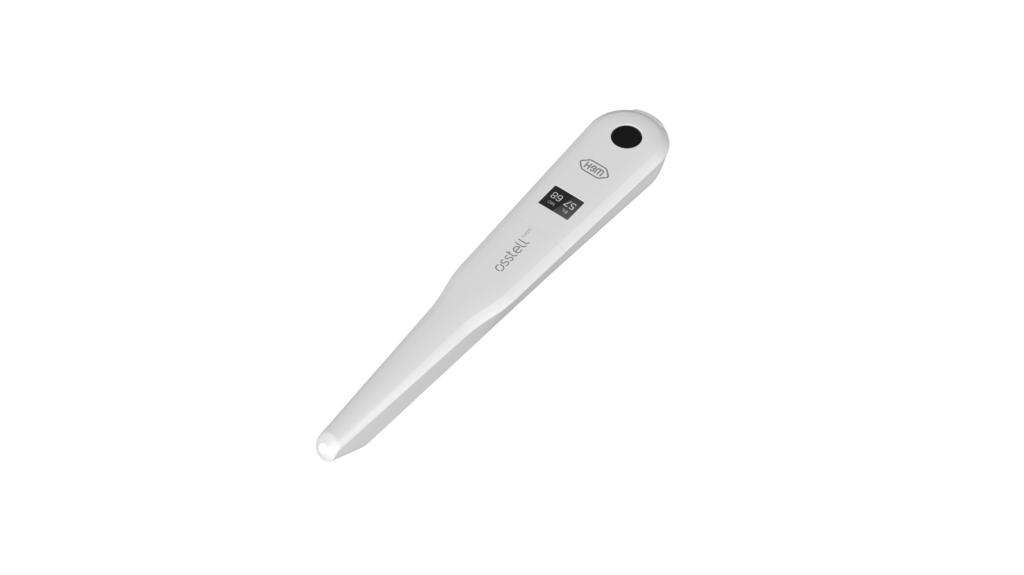
1. Identify the Beacon reset pin on the picture below.

2. With a paper clip, do a gentle press for 1 second on the reset button (Note! You may have to tilt the pin a little downwards).
If you see a “PadLock” symbol in the upper display, press one more time on the reset button.


If the Beacon still doesn’t start or the display is showing a wrench and a manual, then please contact your local sales representative or distributor or support@staging.osstell.com.

Why is it that I get unexpected values or no readings when measuring?

Possible explanations include:

Re-Used SmartPeg: The SmartPegs are disposable and should only be used for one or multiple measurement at one treatment session, for a single patient only. Repeated re-use may result in false readings due to wear and tear of the soft aluminum SmartPeg threads.

Wrong SmartPeg type selected for the implant: See SmartPeg reference list, staging.osstell.com/smartpegguide

Bone or soft tissue in between SmartPeg and Implant: Make sure to clean the Implant prosthetic connection before attaching the SmartPeg.

Electromagnetic interference: Remove the source of electromagnetic interference.

Probe is held too far away from the SmartPeg: Hold the probe 2-4 mm away from the SmartPeg.

您需要帮助吗?

请填写表格,我们将尽快与您联系。请尽快联系我们!