Support

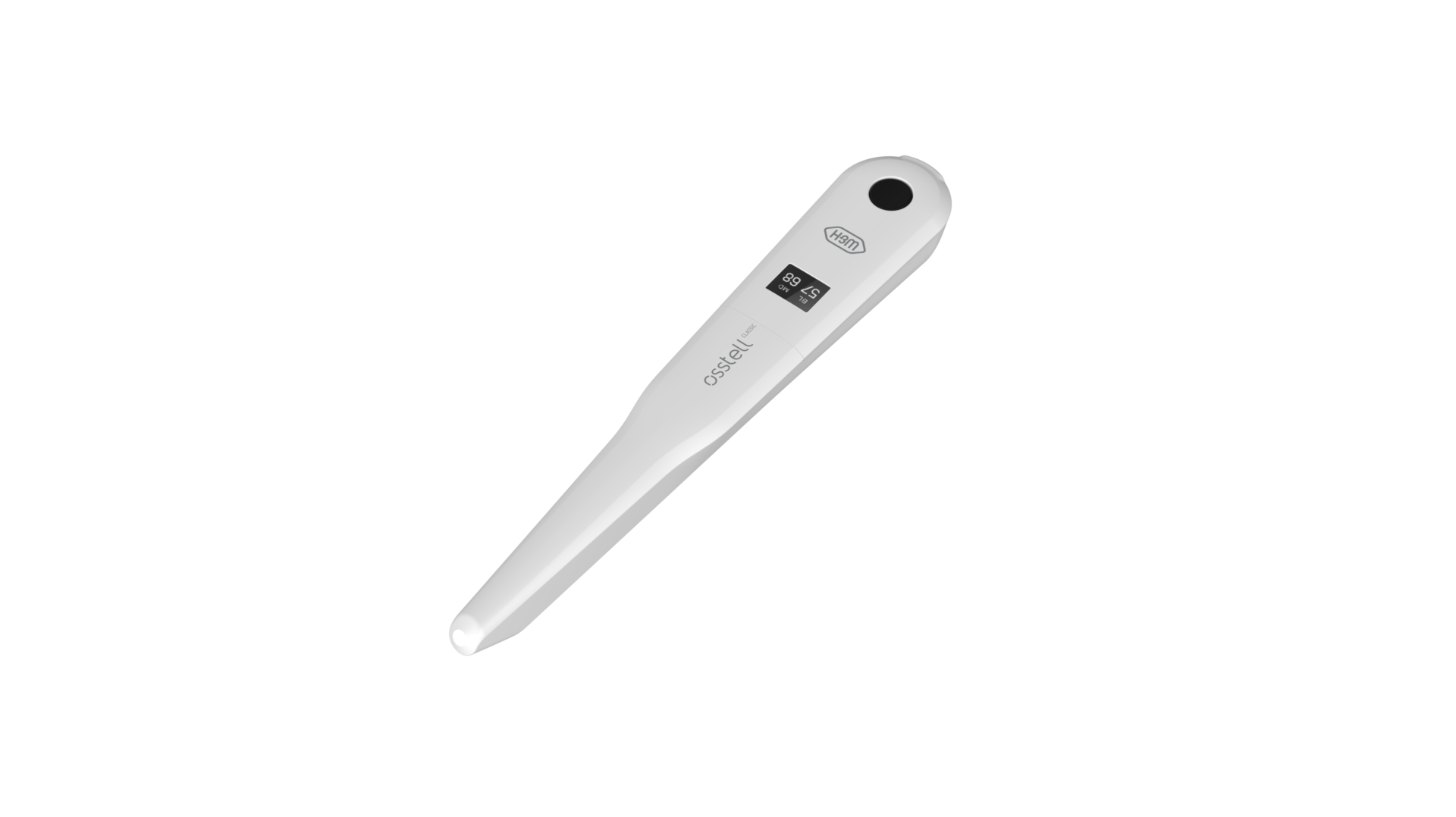
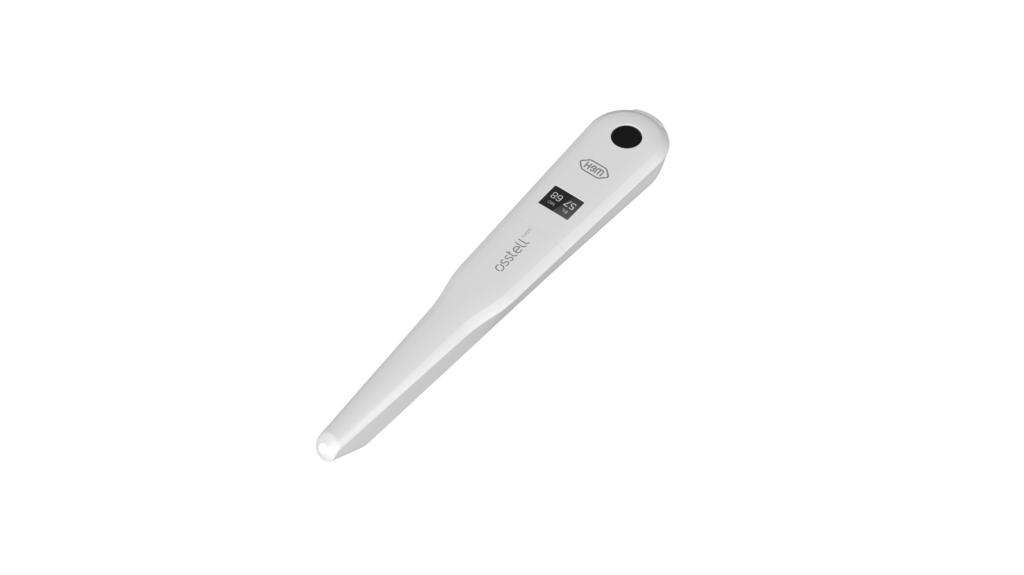
Osstell Classic

Here you will find all the information you need about your instrument, including set-up, usage and care, as well as support material and answers to your questions.

Support materials

User manual

Trouble shoot – no reading

Warranty policy

EMC declaration

STEP 1

Charge your Osstell Classic

Charge your new instrument for 3 hours before use.

STEP 2

Start measuring

Follow the step-by-step guides in the quick-guide, or contact us for support.

Register product

Barrier sleeve

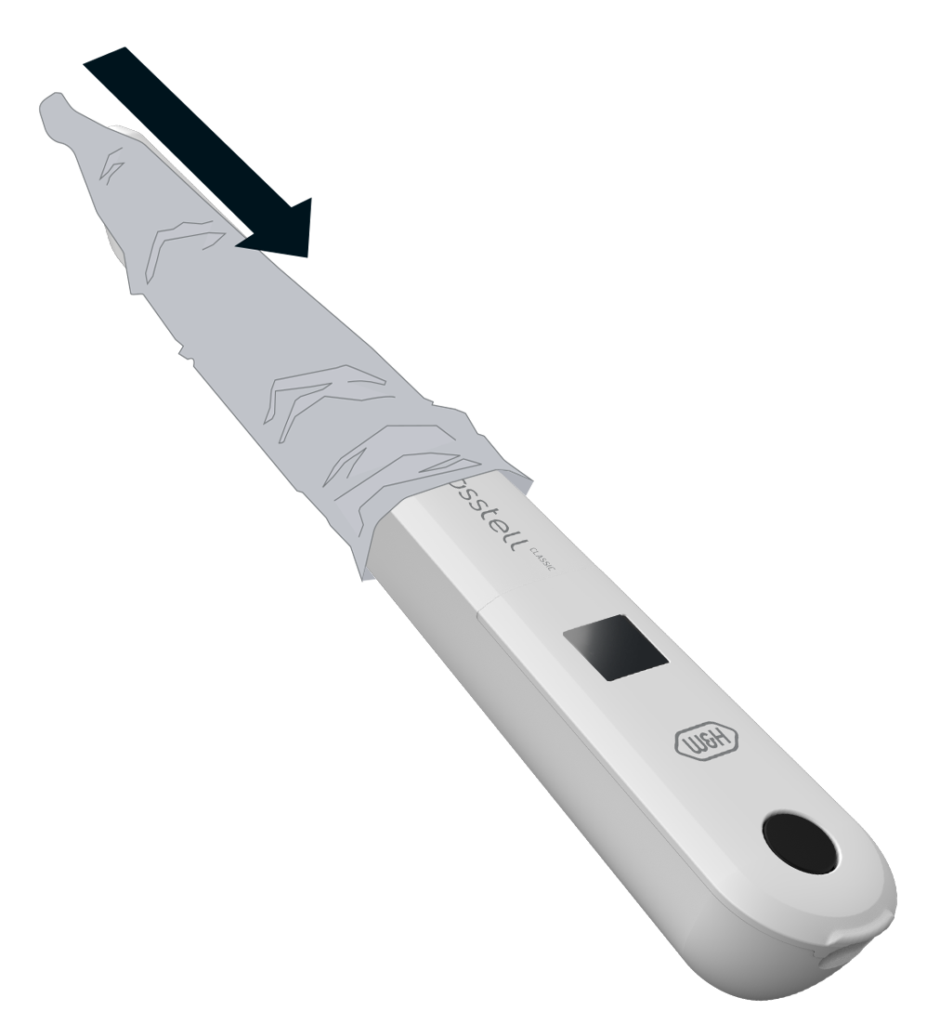
Prior to use on a patient, place a barrier sleeve over the Osstell Classic. The barrier sleeve helps prevent cross-contamination and helps keep dental composite material from adhering to the surface of the instrument tip and body, and discoloration and degradations from cleaning solutions.

Recommended barrier sleeves:

TIDIShield: Art No 20808, Art No 20987

Click here to order it


PremiumPlus: 183-2, X-Ray sensor sleeve, size 2
Click here to order it.

The Osstell ISQ scale

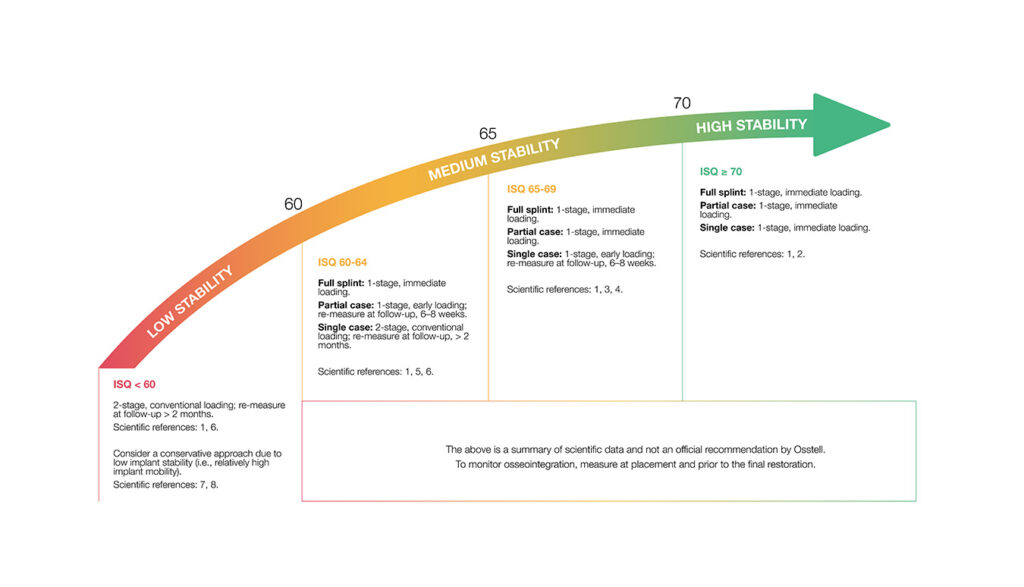
ISQ, or Implant Stability Quotient, is a scale from 1 to 99 and is a measure of the stability of an implant. The ISQ scale has a non-linear correlation to micro mobility. With more than 1500 scientific references, we now know that high stability means >70 ISQ, between 60-69 is medium stability and < 60 ISQ is considered as low stability.

The ISQ scale
Frequently asked questions

What is the warranty on the Osstell Classic?

1 year.

How do I measure with the Osstell Classic?

Prior to use on a patient, place a barrier sleeve over the instrument. The barrier sleeve helps prevent

cross-contamination and helps keep dental composite material from adhering to the surface of the

instrument tip and body, and discoloration and degradations from cleaning solutions.

Note

  • Barrier sleeves are single patient use only.
  • Discard used barrier sleeves in standard waste after each patient.
  • Do not leave barrier sleeves on the instrument for extended periods.
  • See below for recommended barrier sleeves.
    • TIDIShield, Art no: 20808, Art no: 20987. tidiproducts.com
    • PremiumPlus: 183-2 X-Ray sensor sleeve, size 2
  • The instrument must be cleaned with appropriate agents after each patient.
  • A first measurement should be taken at implant placement to get a baseline for future measurements throughout the healing process. Before the final restoration, another measurement is taken which makes it possible to observe the stability development of the implant.
  • It is recommended to measure in both Buccal-Lingual and Mesial-Distal direction to find the lowest stability. Therefore, the instrument prompts the user to measure in both these directions.
  • Click here to see a film on how to measure.
How do I clean the Osstell Classic?

Before each use, moisten a gauze or soft cloth with a recommended (see list below) surface cleaner and wipe the whole instrument.

Acceptable Cleaners:

  • Isopropyl alcohol 70%
  • Low foaming, neutral pH, enzymatic detergents like:
      • BePro Disinfectant Wipes, REF 19500102, www.wh.com (can be ordered from W&H Sterilization)
      • Medizime LF
      • Enzol

Do not use:

  • Acidic or phenolic based cleaners/disinfectants
  • Strong alkali detergent of any type, including hand soaps and dish soaps
  • Bleach based cleaners
  • Hydrogen Peroxide based cleaners
  • Abrasive cleaners
  • Acetone or hydrocarbon based cleaners
  • MEK (Methyl Ethyl Ketone)
  • Birex
  • Gluteraldehyde
  • Quaternary Ammonium Chloride salt-based cleaners

The instrument does not require regular maintenance. In the event of an instrument malfunction, contact the local sales representative or distributor for further instructions.

Why do I get unexpected values or no readings when taking measurements?

Several factors may cause unexpected ISQ values or failure to obtain a reading:

  1.  Incorrect use or condition of the SmartPeg
    Single-use SmartPeg: These are intended for one treatment session and one patient only. Reusing a single-use SmartPeg may lead to worn threads and unreliable measurements.
    Reusable SmartPeg: Ensure it has been correctly cleaned, inspected, and is not damaged. Wear, deformation or contamination can affect performance.
  2.  Wrong SmartPeg type selected
    Make sure you have selected the correct SmartPeg Type for the specific implant system and connection. Refer to the SmartPeg Reference Guide.
  3.  Tissue or debris in the implant connection
    Bone fragments, soft tissue or fluid between the implant interface and the SmartPeg can prevent proper seating. Clean the implant prosthetic connection thoroughly before attaching the SmartPeg.
  4. Electromagnetic interference
    Nearby sources of electromagnetic disturbance may disrupt the measurement. Remove or switch off the source where possible.
  5. Incorrect measuring instrument positioning
    Hold the instrument tip 2–4 mm from the SmartPeg and aim it correctly towards the top of the peg at an angle of approximately 45°. Do not touch the magnet.

Do you need help?

Fill in the form and we will be in touch shortly. Talk to you soon!